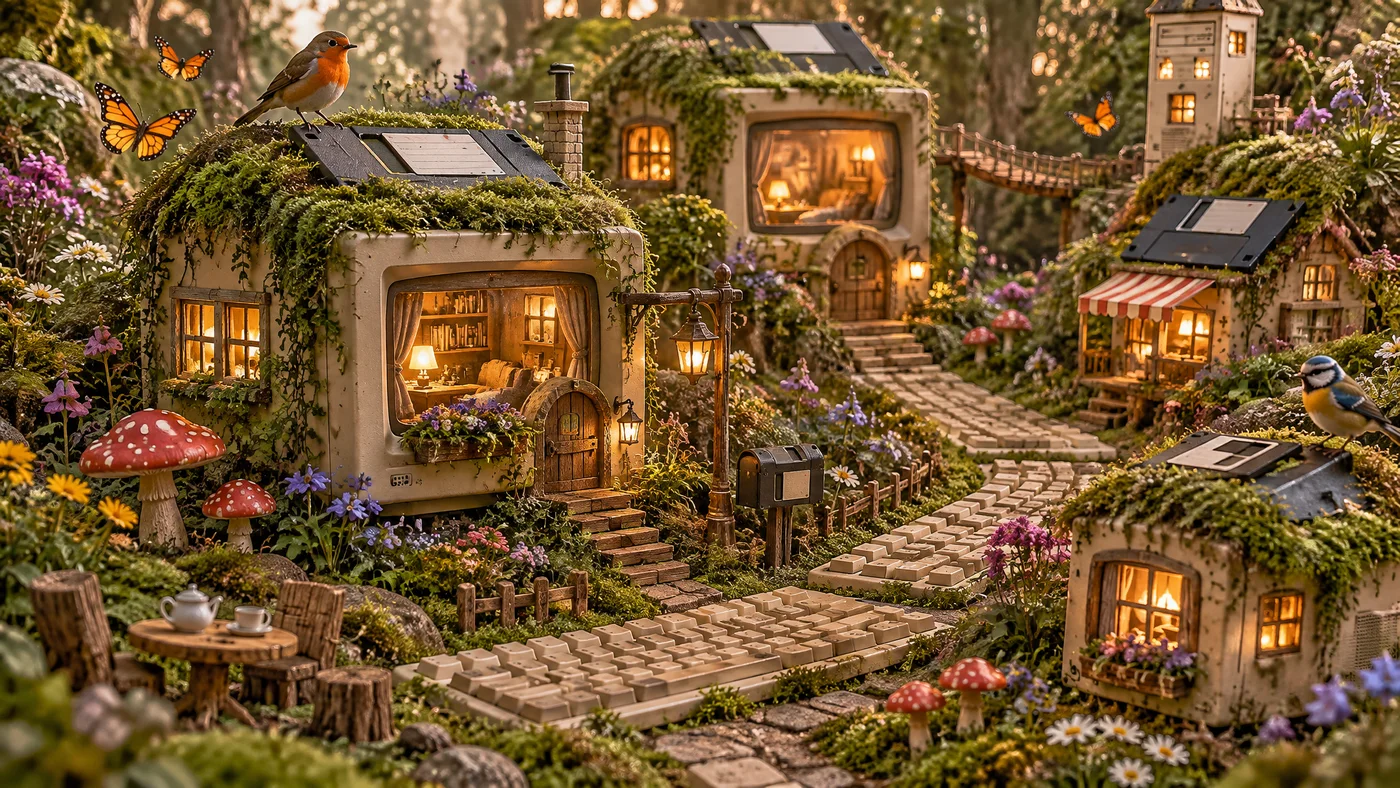
A little imagination. A whole new image.
Your next idea, in full picture.
Create and edit with GPT Image 2.6. From a first thought to the image you had in mind.
Make something yoursGPT Image 2.6
Your canvas is waiting
Model examples from AtlasCloud.Describe an idea, choose your settings, and let the picture take shape.
Try a prompt
A starting point for your imagination.
Explore what GPT Image 2.6 can do. Start with a prompt, then make it your own.
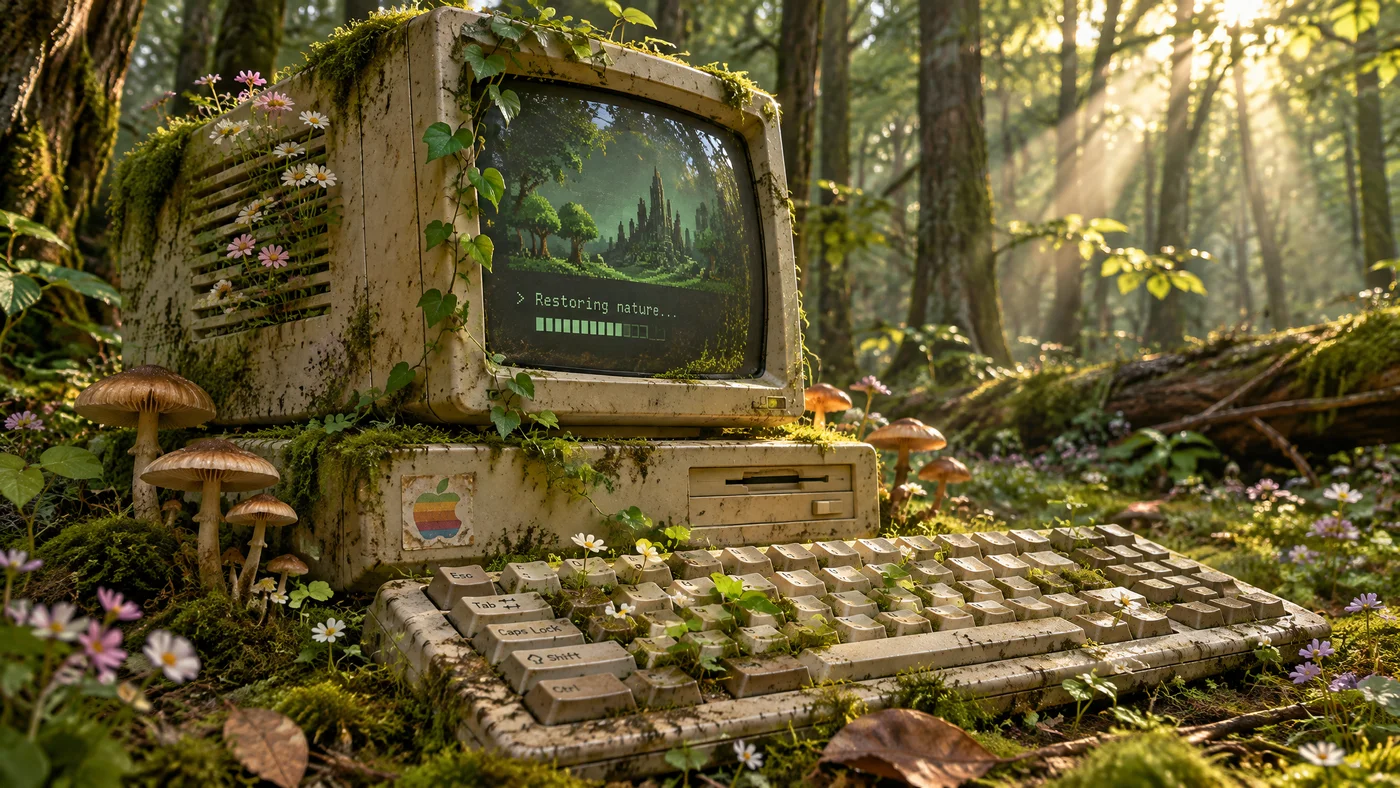
Details worth a closer look
GPT Image 2.6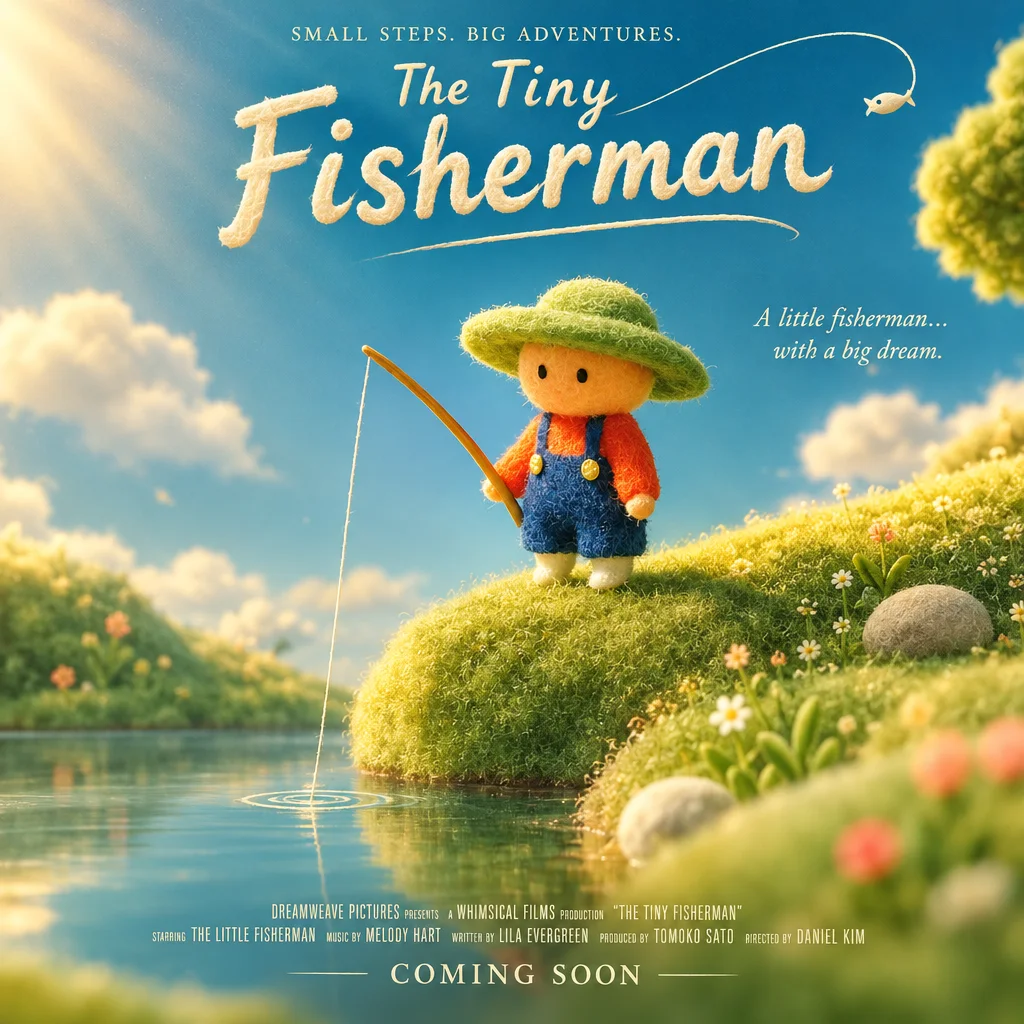
A different perspective
GPT Image 2.6
Reimagine the everyday
GPT Image 2.6My creations
Sign in to see your creations.
Sign inOne workspace. Room for every idea.
Find your direction with Flare.
Explore a concept, test a composition, or give your next campaign a visual starting point.
Refine the details with Sunburst.
Build detailed images and work with references to bring a consistent visual direction to your edits.
Make the final image fit.
Choose your aspect ratio, quality and background. Download PNG or WebP, ready for your next project.
A few things to know.
PricingWhat is GPT Image 2.6?+
An image generation and editing model family with Flare and Sunburst variants. Images26 provides access through AtlasCloud in a simple creative workspace.
How much does an image cost?+
Your price depends on the model, quality, size, prompt and references. We request a live AtlasCloud estimate and multiply it by two. The displayed amount is charged upfront, with no additional charge for that request.
Can I edit an existing image?+
Yes. Choose Edit an image, upload up to four PNG, JPEG or WebP references, and describe what you want to change.
What happens if generation fails?+
When the provider confirms a failed generation, the credits are automatically returned. If a connection is interrupted, check My creations before submitting again.
Is this an official OpenAI product?+
No. Images26 is an independent service. OpenAI owns the GPT Image trademarks. Image generation is provided through AtlasCloud.